
How Machine Learning Is Changing the Way You Budget
AI algorithms now analyze your spending habits automatically. Instead of manual categorization...
Read MoreWe tested five popular apps designed specifically for Canadian budgeting. Here's what works, what doesn't, and which one fits different financial situations.


Budgeting in Ottawa's financial landscape isn't one-size-fits-all. You've got to account for provincial tax rates, real estate costs that vary wildly by neighborhood, and the fact that many apps don't properly categorize Canadian-specific expenses. That's where we come in.
We didn't just download five apps and check the boxes. We actually used them. We tracked groceries at Loblaws, rent payments, transit passes, and utility costs across different seasons. We looked at what works for freelancers, salaried employees, and families. This isn't marketing speak — it's real-world testing.

Every app got tested against the same criteria. We looked at ease of setup — can you actually get it running in 15 minutes without calling tech support? We checked accuracy of automatic categorization because if the app keeps putting gas purchases in "Entertainment," that's useless.
We also tested real-world scenarios. What happens when you transfer money between accounts? Does the app double-count? How long does it take to sync with your bank? And crucially — does it handle the stuff Ottawa residents actually deal with? Property taxes, municipal fees, seasonal heating costs. Most apps are built for Americans. We wanted to know which ones actually work here.
The apps we're reviewing ranged from $0 to $15 monthly. But we're not focusing on pricing. We're focusing on whether you'll actually use it, and whether it'll actually help you understand where your money goes.
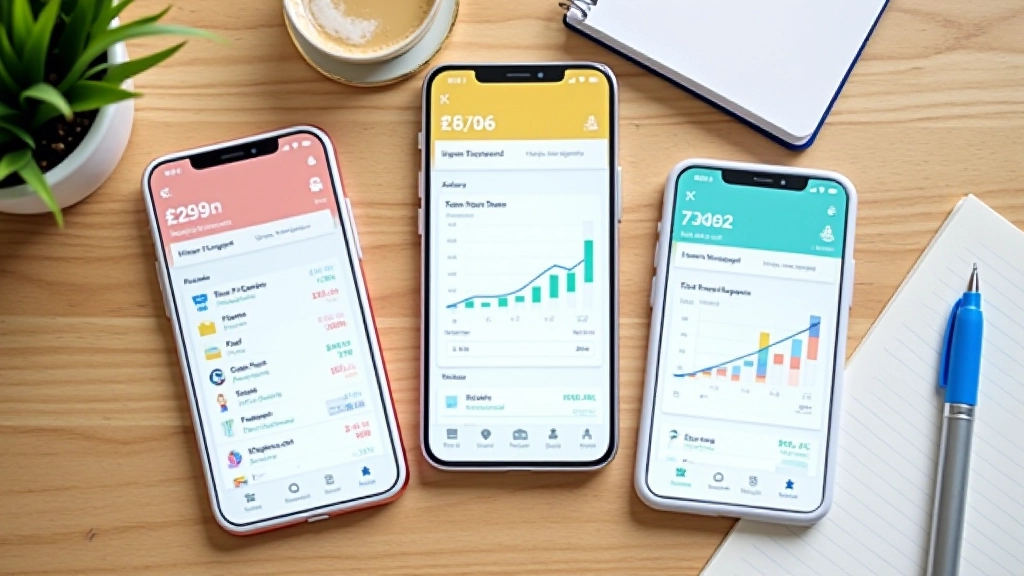
Each one's got a different approach to tracking your money. Here's what we found.
This one's straightforward. You get a Canadian chequing account, a savings goal feature, and automatic categorization. No complex dashboards. The interface is clean, which means less clicking around to find what you need.
What works: Fast bank connections, accurate categorization for most regular expenses, and the savings goals actually feel achievable because you set the target yourself.
What doesn't: Limited reporting compared to other apps. If you want detailed charts and year-over-year comparisons, you'll be disappointed. It's built for people who want to know "how much did I spend last month," not "what's my spending trend over 36 months."
YNAB isn't like other apps. It doesn't just track your spending — it forces you to be intentional about it. You assign every dollar to a category before you spend it. Sounds rigid? It actually works because you can't accidentally overspend on restaurants if you've only allocated $60 to dining.
What works: You develop real awareness of where money goes. The learning curve is steep, but once you get it, you're in control. Ottawa users appreciate the detailed reporting and ability to handle multiple currencies.
What doesn't: Setup takes time. The first month is confusing. And it costs money (around $15/month), which matters if you're just starting out.
If you bank with Tangerine, this is included. You get automatic categorization, spending insights, and savings goal tracking without extra software. The setup is immediate because it connects to your existing accounts.
What works: Zero cost, fast setup, and you don't need another app if you're already using Tangerine. The spending breakdown is clear and updated daily.
What doesn't: Limited to Tangerine accounts. If you bank elsewhere or have multiple institutions, you won't see the full picture. Reporting features are basic.
Mint's been around for years. It connects to all your Canadian banks, tracks everything automatically, and gives you extensive reports. You can see trends, set custom budgets, and get alerts when you're approaching limits.
What works: Comprehensive tracking, detailed reports, and Canadian bank support. You can drill down into specific spending categories and see exactly where your money went.
What doesn't: The interface feels a bit cluttered compared to newer apps. And occasional sync issues with Canadian banks mean sometimes transactions take a day or two to appear.
Emma does something different. It's built specifically for people managing debt. You can track multiple loans, credit cards, and mortgages in one place. It shows you payoff timelines and calculates how much interest you're paying.
What works: If you're paying off student loans or credit cards, this app makes it visible and helps you stay motivated. The debt payoff calculator actually works for Canadian interest rates.
What doesn't: Less useful if your main concern is day-to-day spending. It's specialized for debt, so if you need comprehensive budgeting, you might outgrow it.
Here's the honest truth: there's no single "best" app. It depends on what you're trying to accomplish and how much time you want to spend on it.
Use Wealthsimple Cash or Tangerine Money Sense. Both require minimal effort. You link your account and the app does the work. You'll spend maybe 5 minutes a week checking your spending.
YNAB is worth the monthly cost. Yes, it takes longer to set up. But the discipline it enforces actually changes behavior. Most people who stick with YNAB for 3 months notice real differences in their spending patterns.
Mint gives you everything. Spend a few hours learning the interface and you'll have reports that would make an accountant jealous.
Emma. Watching your debt shrink with visual progress is motivating. And the payoff calculator helps you understand whether you should focus on credit cards or student loans first.

Continue learning about budgeting and personal finance.
AI algorithms now analyze your spending habits automatically. Instead of manual categorization...
Read More
Automatic categorization sounds great in theory. But we found most people see real changes only when...
Read More
Most budgets fail because they're too rigid. Smart apps use AI to suggest realistic targets...
Read MoreWe've tested the apps. We've looked at the features. But here's what matters most: will you open it next week? The best budgeting app in the world is useless if you don't actually use it.
Start with one. Give it a real month — not just a few days. Most people need about 4-6 weeks to get comfortable with any new financial tool. You're building a habit, not downloading an app.
And don't worry if your first choice doesn't stick. We've all switched apps. The fact that you're trying to track your money and understand your spending? That's already a win. The tool is just the vehicle.
Educational Information: This article is educational only and is not financial or investment advice. Outcomes are not guaranteed and may vary. Everyone's financial situation is different. Before making any changes to your budgeting approach, consider your specific circumstances and consult with a financial advisor if needed.